
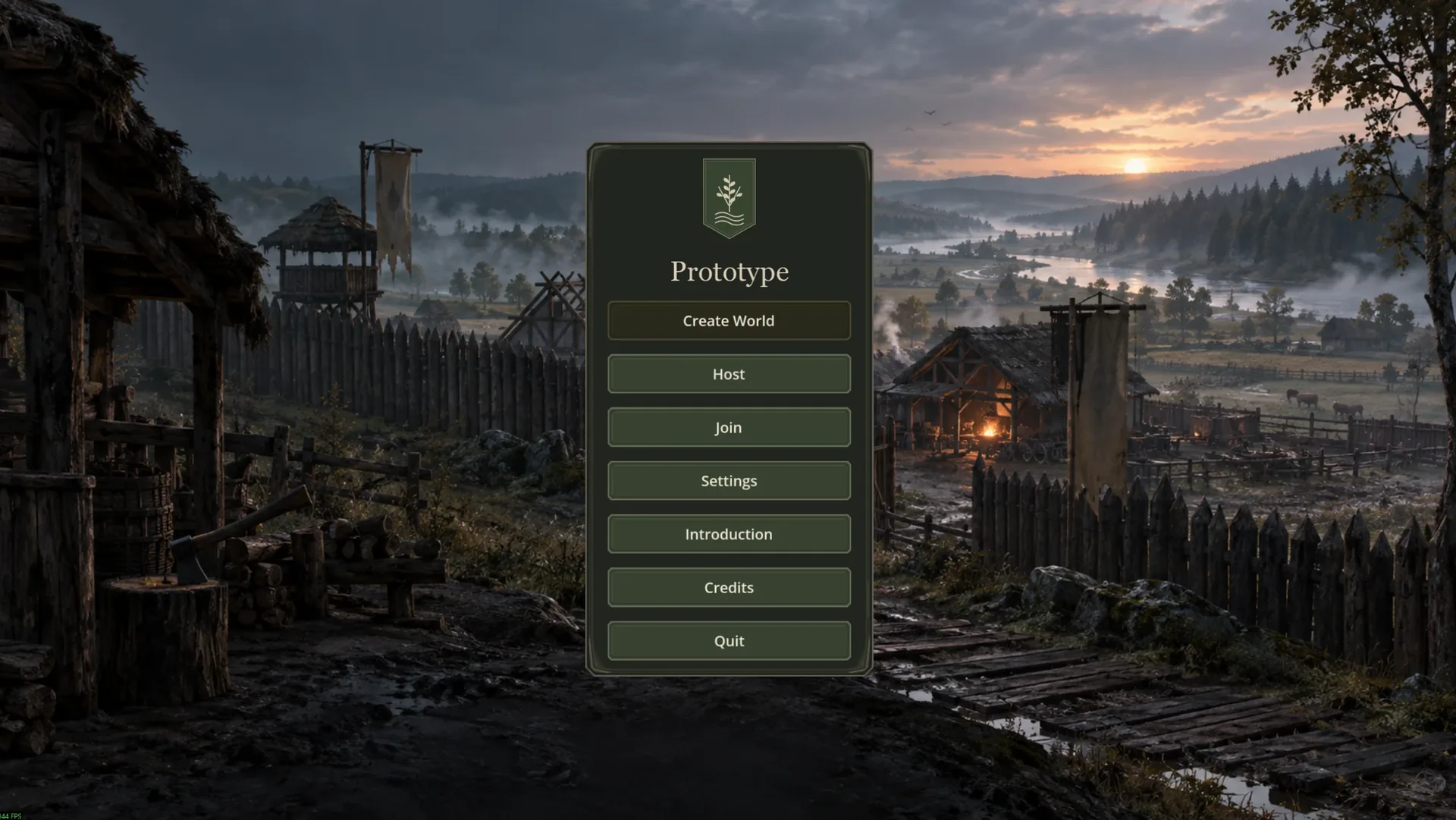
Prototype is played with mouse and keyboard. The default keys are listed below. You can rebind all of them in Settings.
Movement
WalkW A S D
JumpSpace
SprintShift
Crouch / crawlCtrl
Actions
InteractE
Use / eatG
Drop itemQ
Hotbar1–8
Attack / useLMB
Context menu / blockRMB
Level ground (shovel)F
Rotate buildingR
Set homeU
Emote wheelB
Windows
InventoryTab
CraftingV
Character, skills, equipmentC
MapM
ClanH
ChatEnter
Voice (push-to-talk)X
Combat
Combat is directional. Your direction comes from your mouse movement.
Toggle combat stanceR
SwingLMB
Feint / blockRMB
Shield bash (Blade 60)MMB
Thrust / overhead strikeScroll wheel
Draw / release bowRMB / LMB
Building & extras
Tabletop build viewF3
Show claim tilesF4
Tile height (debug)F2
Admin panel (staff)F1
In the tabletop view (F3) you look down on your building site from above. Use the scroll wheel to zoom in and out.