
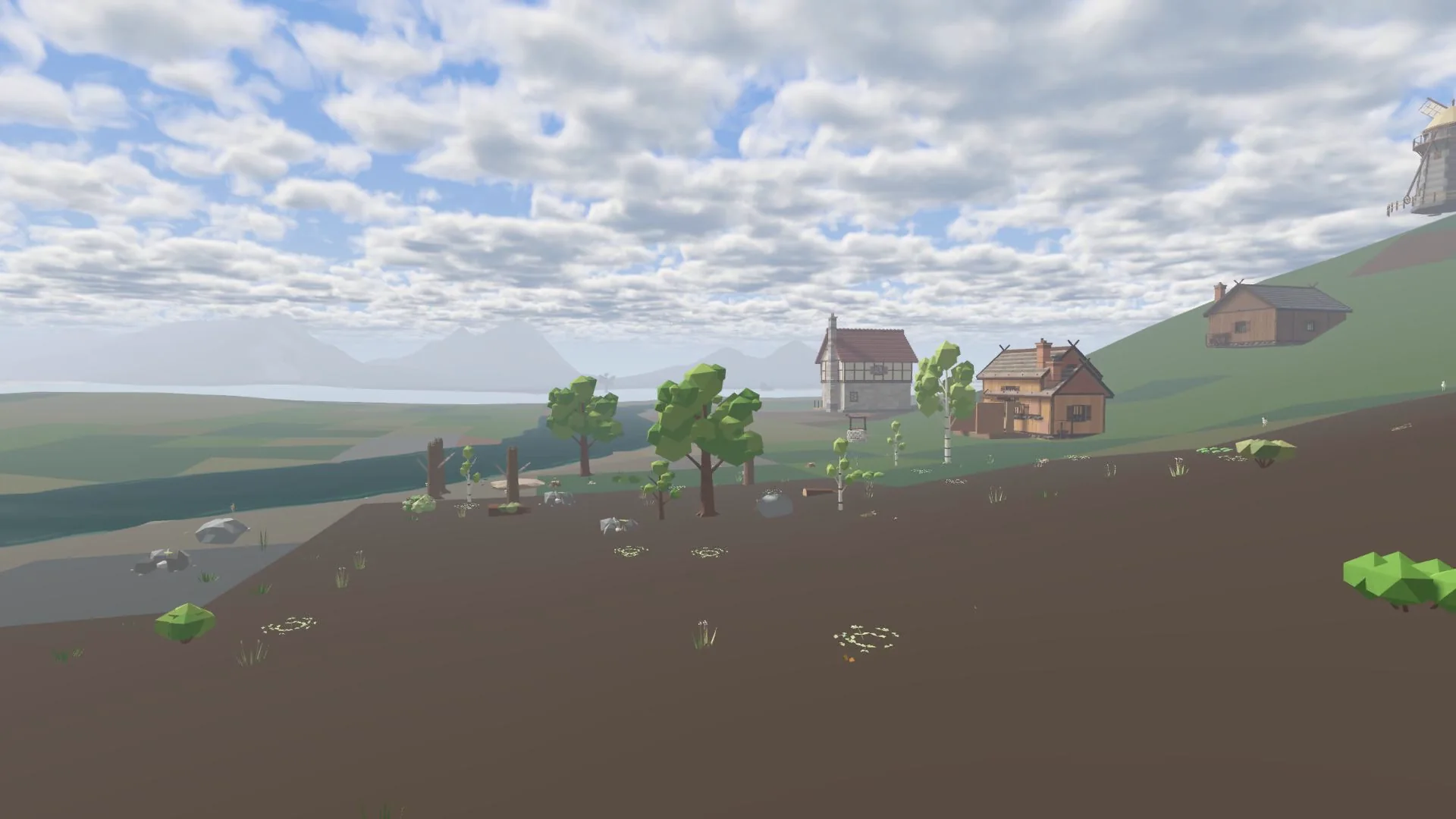
Roads are drawn first and laid after. Anyone with a hammer can draw a road plan for free; laying it takes the right tool, the materials and a skill level that matches the buildings of the same tier.
Drawing a road
- Hold a hammer, press RMB and open Build. Pick a surface in the Roads tab and press Draw road.
- Press LMB on the first tile, drag to the last one and let go. The road runs straight, takes one diagonal stretch and runs straight again, so a slanted road does not zigzag.
- A green ghost shows where the road may go; red tiles are skipped (water, too steep, a field, a building, a tree or bush, someone else's claim). The prompt says why.
- Shift + drag takes plans away again. F3 draws from the tabletop view.
Plans are faded blue roads that everyone sees, so friends can help lay them. One drag plans up to 160 tiles.
Laying a road
Stand next to a planned tile with the tool in your hotbar, press RMB and choose Lay … road. A tile takes as long as ploughing one; after that you go on by yourself along the plan while you stand still (Esc stops). Each tile gives XP in the road's skill.
| Road | Skill | Tool | Per tile | Speed |
|---|---|---|---|---|
| Dirt | Raising 0 | Shovel | nothing (1 soil back) | +3% |
| Sand | Raising 0 | Shovel | 2 sand | +3% |
| Gravel stone | Raising 30 | Shovel | 2 gravel, 1 sand | +5% |
| Stone | Stonecutting 30 | Hammer | 3 shaped stone, 1 gravel | +7% |
| Marble | Planning 90 | Hammer | 2 marble plates, 1 gravel | +10% |
Taking a road up
With a shovel or pickaxe: RMB on the road, Take up road. You get half the materials back. Digging into a road takes it up first; the next stroke digs. Roads follow the ground when it is levelled or raised.